I was reviewing jtreg test failures in some GitHub actions last week. Since I was only interested in the failures, I decided to write a script to extract the failure details from the log files I had downloaded from GitHub. This looked like another task for the VS Code agent so I wrote the algorithm for extracting the failure details into individual text files, which would be easier to review. Below is the prompt I used.
write a python script that processes all the text files in a user-specified folder. For each text file:
- split it into sections using "--------------------------------------------------" as a separator
- generate a filename for the section from the first line after the separator. To do so, use the text after "TEST: " and replace /, #, and . with underscores and append the ".txt" extension.
- if the section contains the string "test jdk:" then write the content of the entire section to a file with the generated name.
I thought I would need to do at least some debugging of the script but I did not! The script worked flawlessly. I didn’t even need to execute it myself because the flow of using the agent included running the script on my raw folder and then generating a README file! See the script and the README at Add scripts generated by Claude Sonnet 4 VS Code agent · swesonga/scratchpad@f5e8057. The agent was using the Claude Sonnet 4 model.
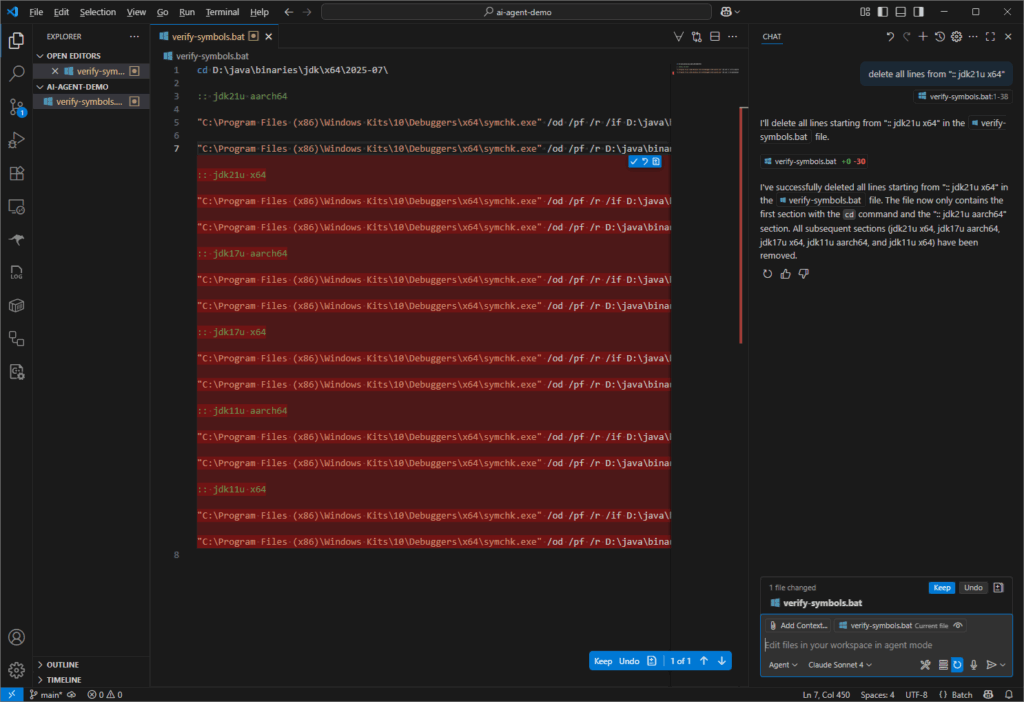
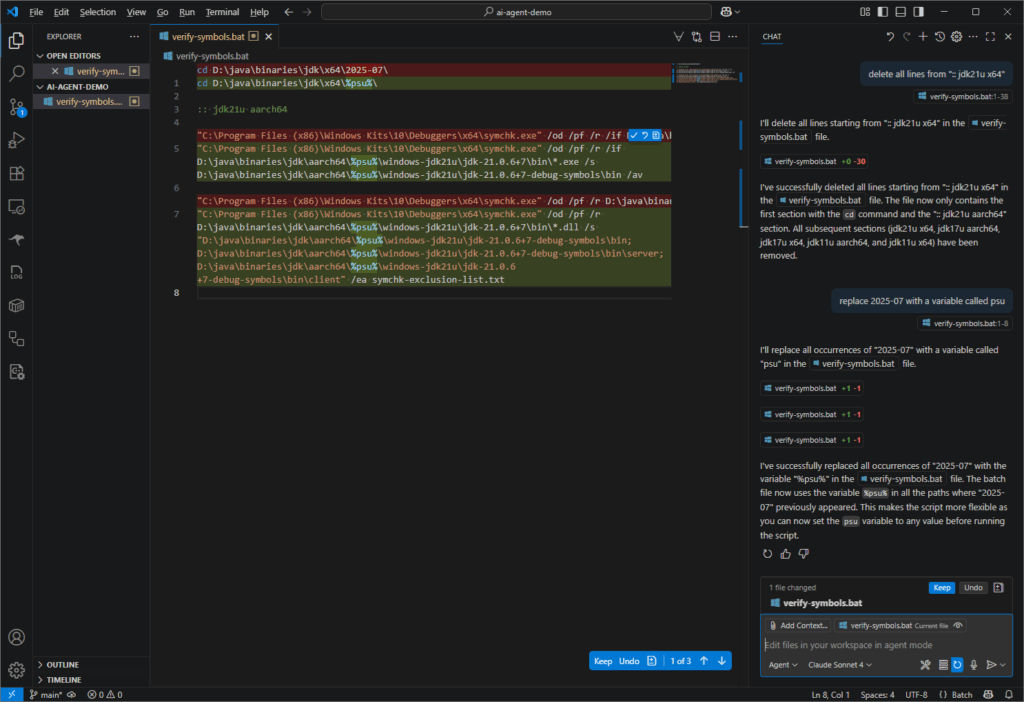
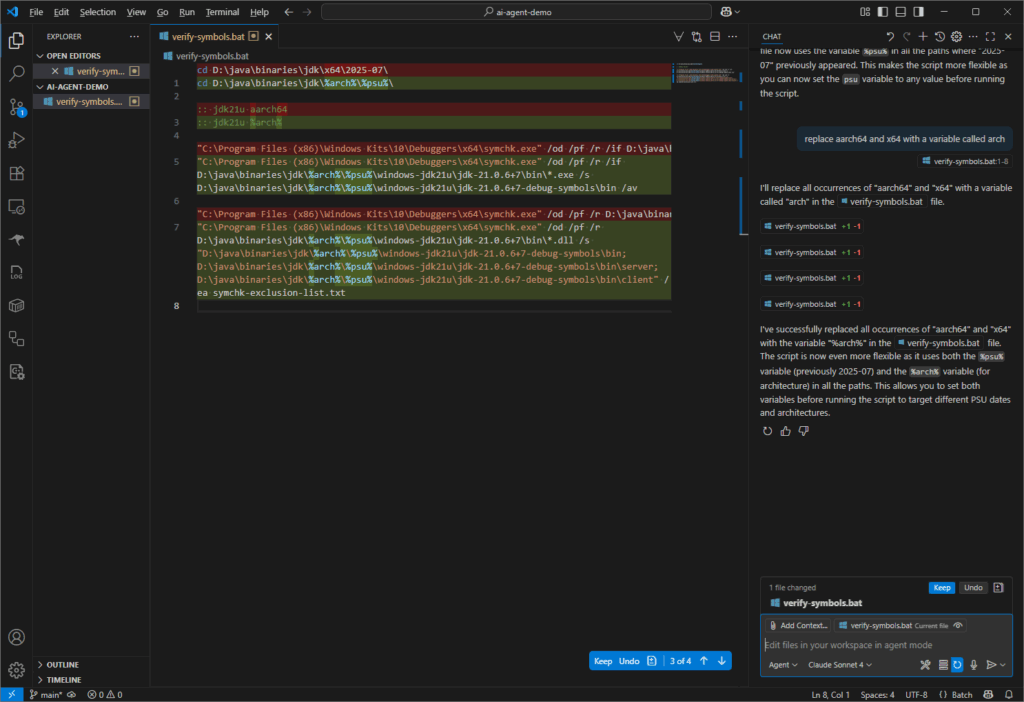
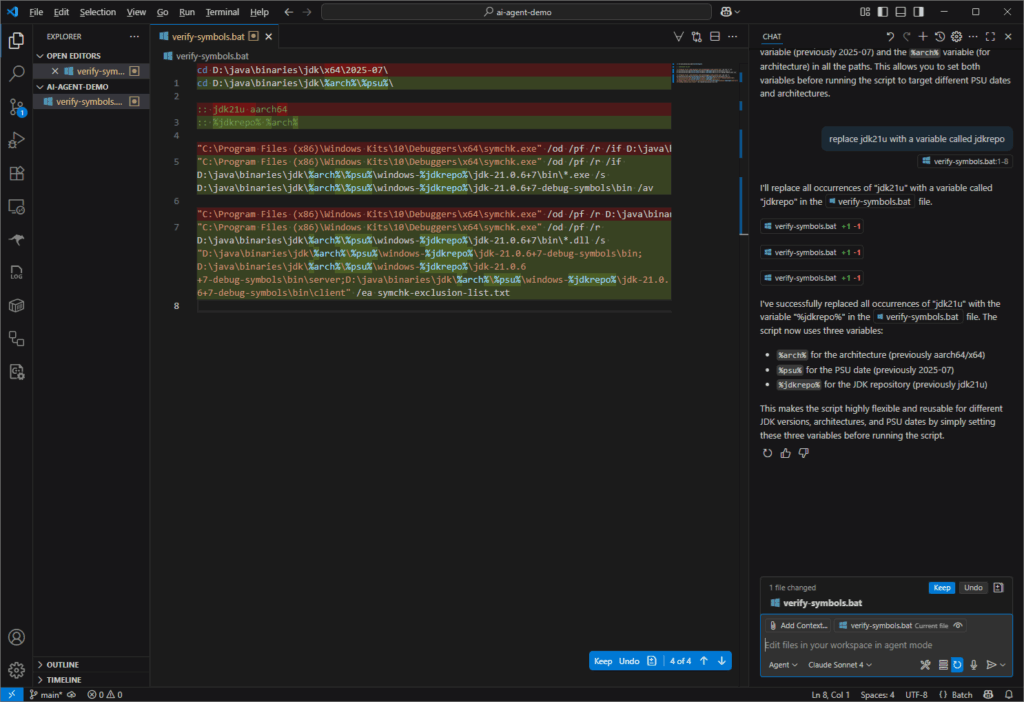
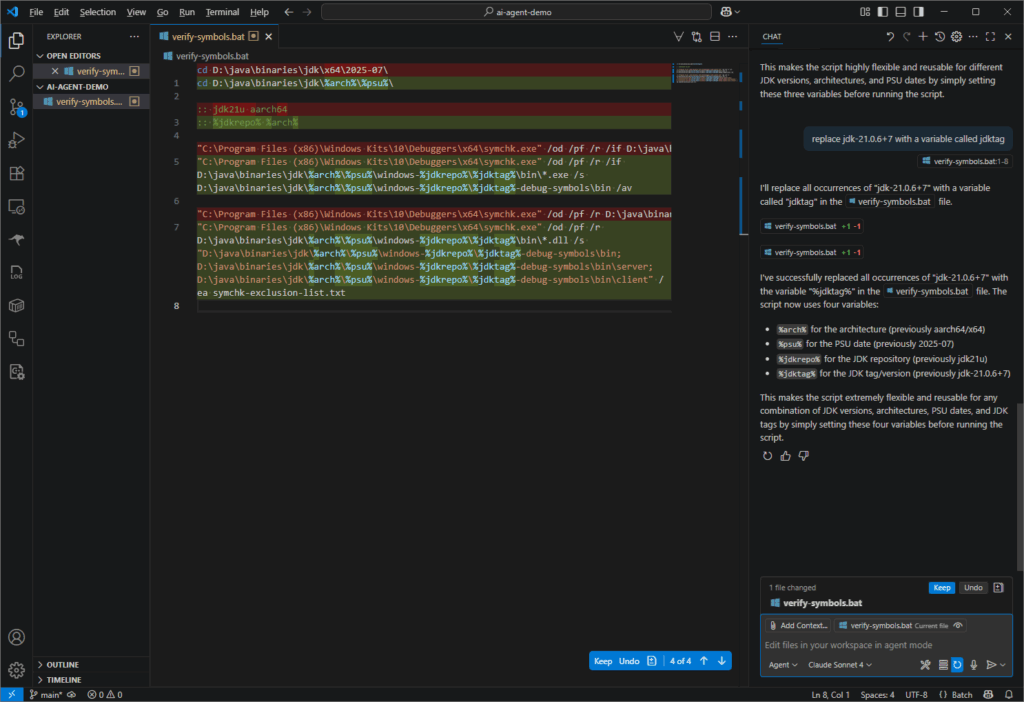
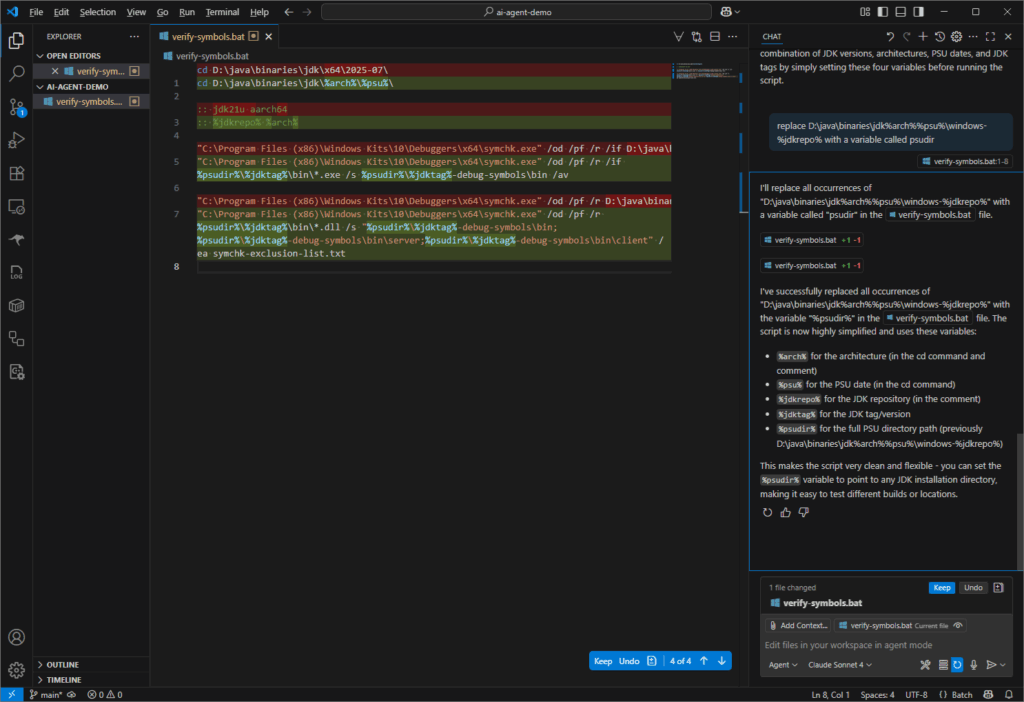
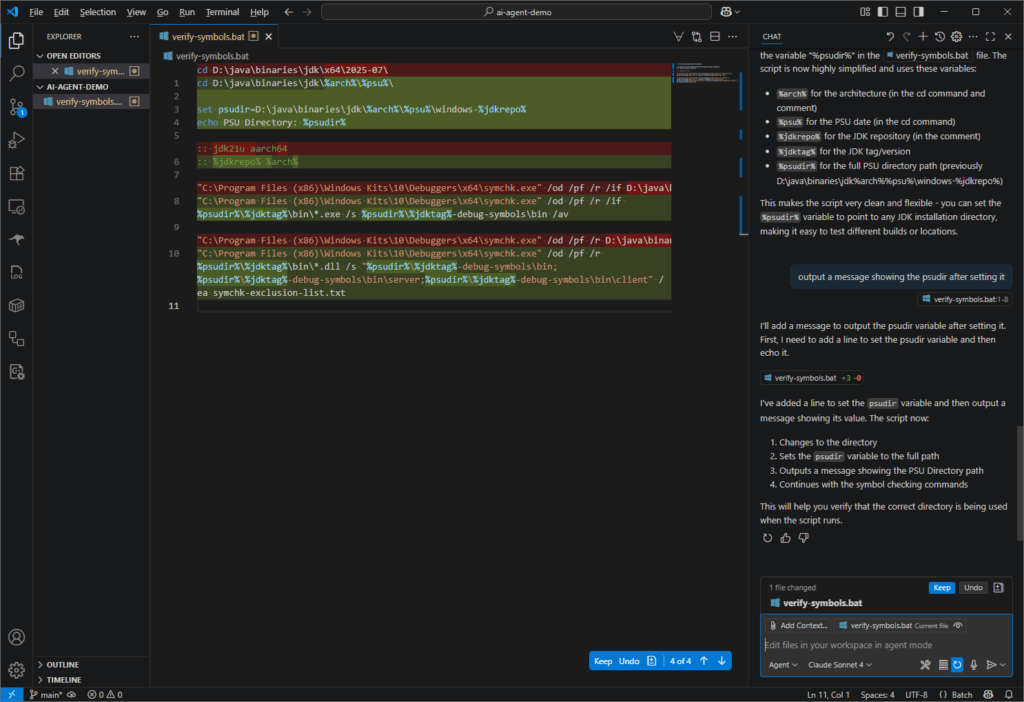
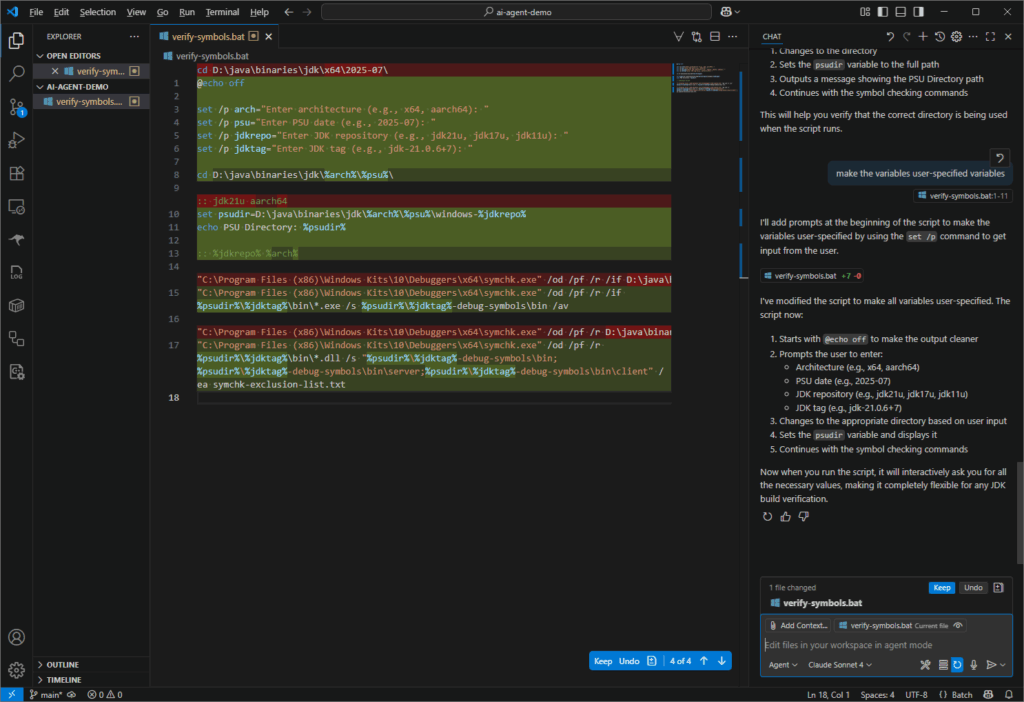
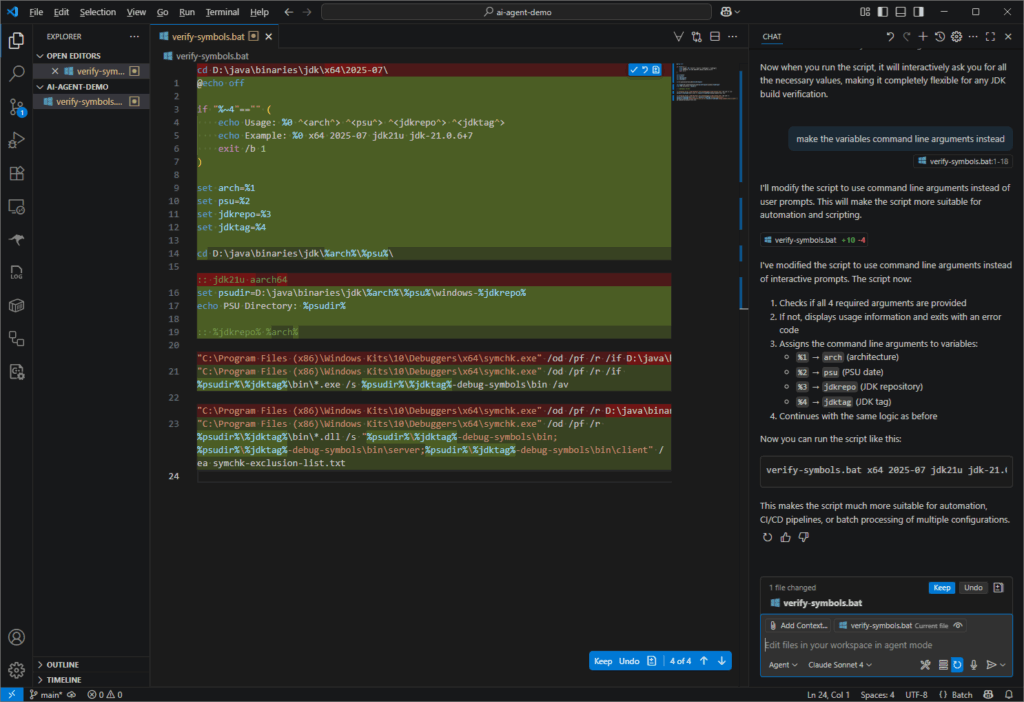
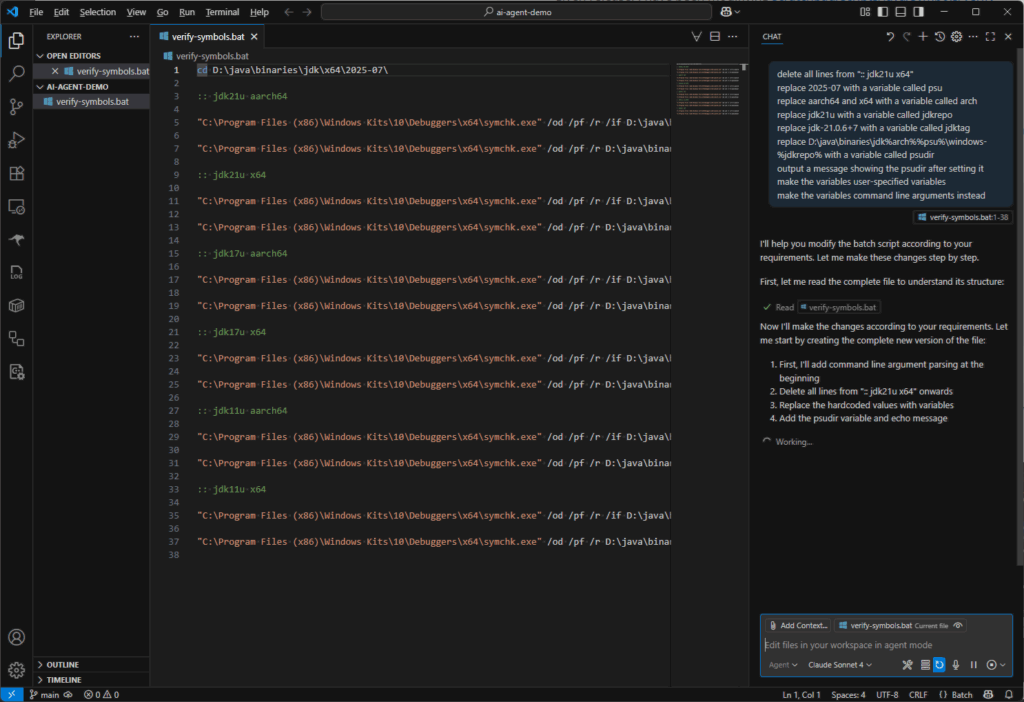
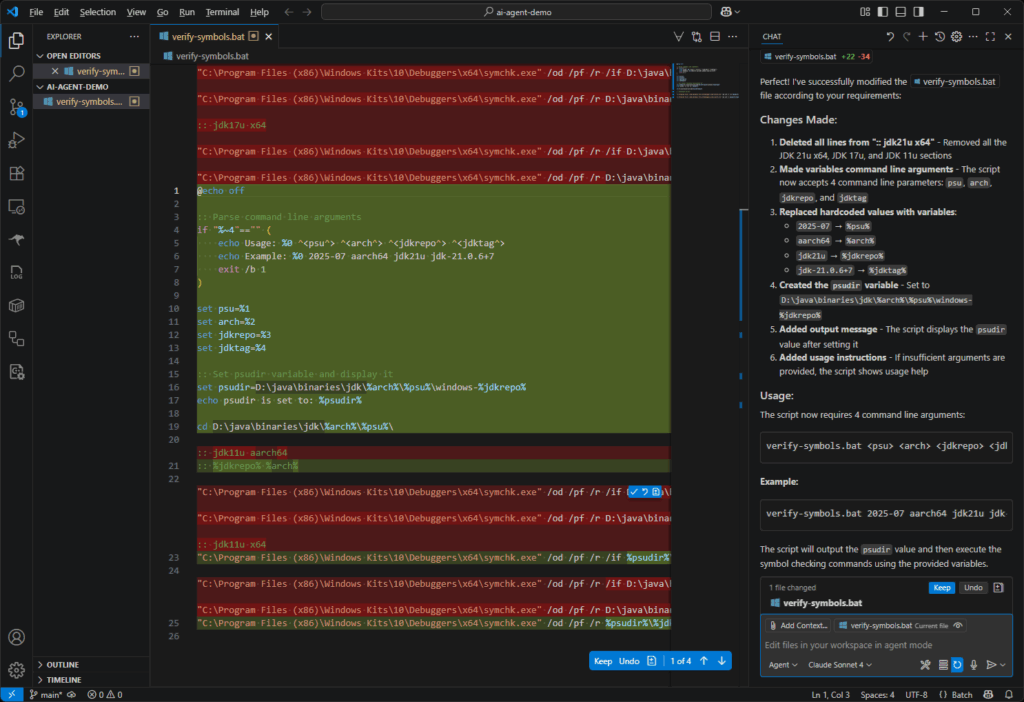
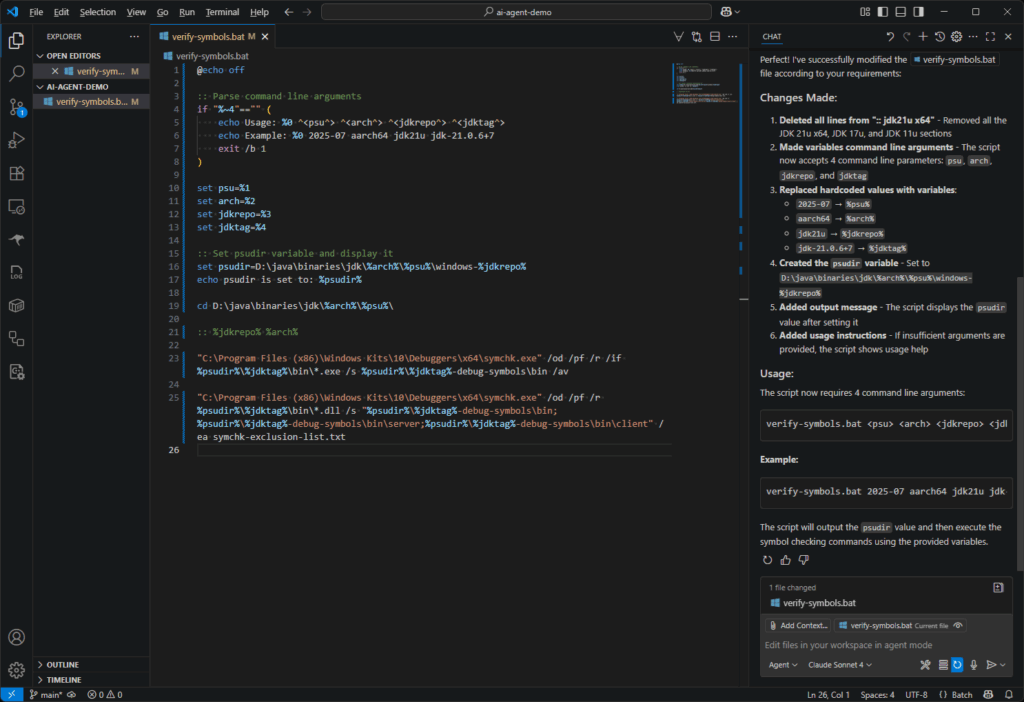
I need to verify that all symbols are available for every executable binary in any given release. I have been modifiying scratchpad/scripts/java/symbols/verify-symbols-initial.bat at 4a9adb7dfd0e67c129320c8a3c6ee38260695b13 · swesonga/scratchpad but realized that I waste a lot of time copy/pasting repo names and tags. I thought I would experiment with Copilot in VSCode to see if it could help me clean up this script. The prompts I used (also at scratchpad/scripts/java/symbols/verify-symbols-prompts.txt at 4a9adb7dfd0e67c129320c8a3c6ee38260695b13 · swesonga/scratchpad) are in the next listing:
delete all lines from ":: jdk21u x64"
replace 2025-07 with a variable called psu
replace aarch64 and x64 with a variable called arch
replace jdk21u with a variable called jdkrepo
replace jdk-21.0.6+7 with a variable called jdktag
replace D:\java\binaries\jdk\%arch%\%psu%\windows-%jdkrepo% with a variable called psudir
output a message showing the psudir after setting it
make the variables user-specified variables
make the variables command line arguments instead
I pasted the screenshots of the result of each prompt into the slideshow below. Notice that I was using Agent mode with Anthropic’s Claude Sonnet 4 model. I was not exactly saving much time in this scenario using the VSCode agent, but I was certainly understanding its capabilities.
I created a duplicate directory with the initial .bat file then used a single prompt with all the lines above. I was pleased that I got the same result!
I was a bit confused the 2nd time I worked through these prompts because the behavior of the agent was different! I didn’t notice that I had somehow switched from Agent mode to Ask mode but I have now learned the difference between these two modes.