Exporting to 3mf in Blender
Once I had finished Setting up my First 3D Printer, I wanted to design and print custom models. The Anycubic Slicer Next software can only open 3mf files. Being new to this space means that I had never even heard of this format before. Here are some useful resources for learning more about it:
- 3D Manufacturing Format – Wikipedia
- The File Format Optimized for 3D printing – 3MF Consortium
- 3MF File Format – All You Need to Know | All3DP Pro
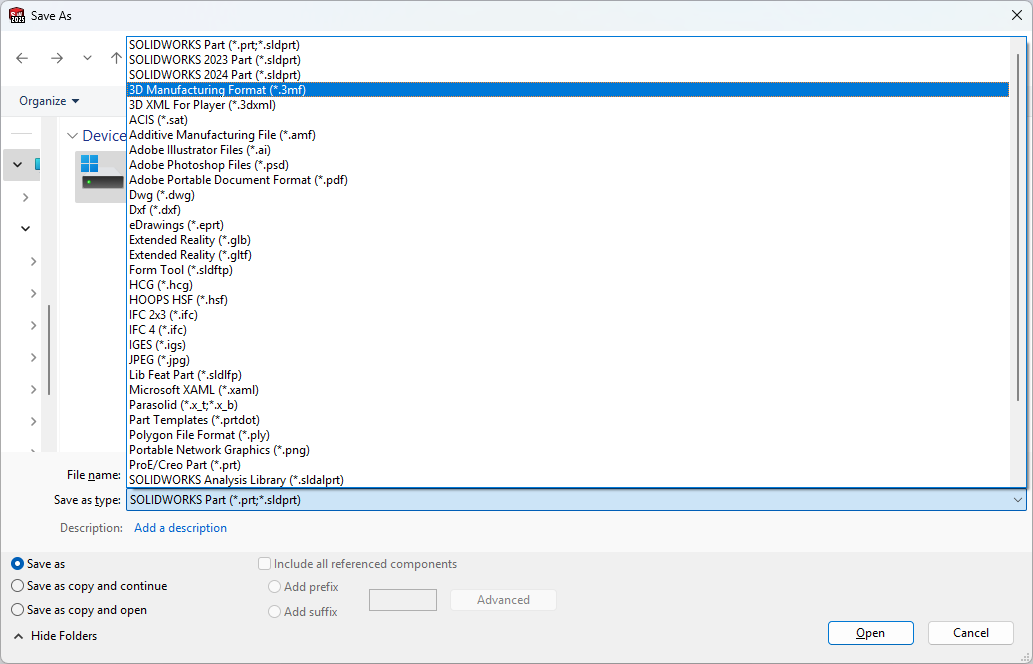
In SOLIDWORKS, the Save As dialog is all you need to export to 3mf.
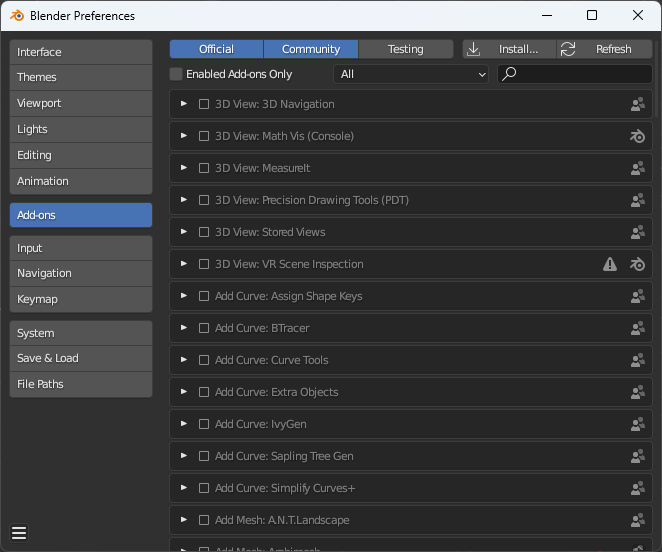
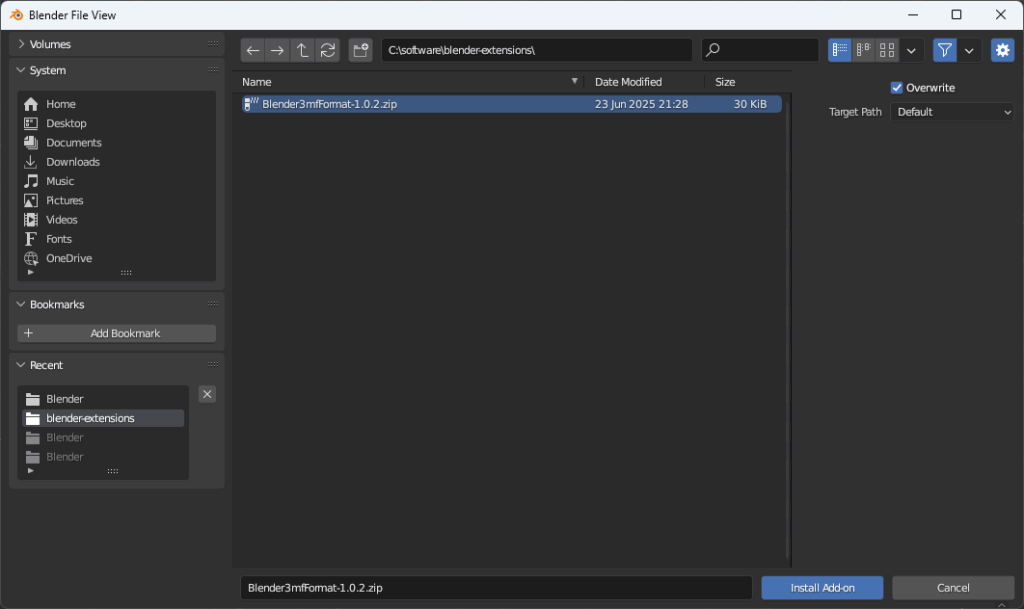
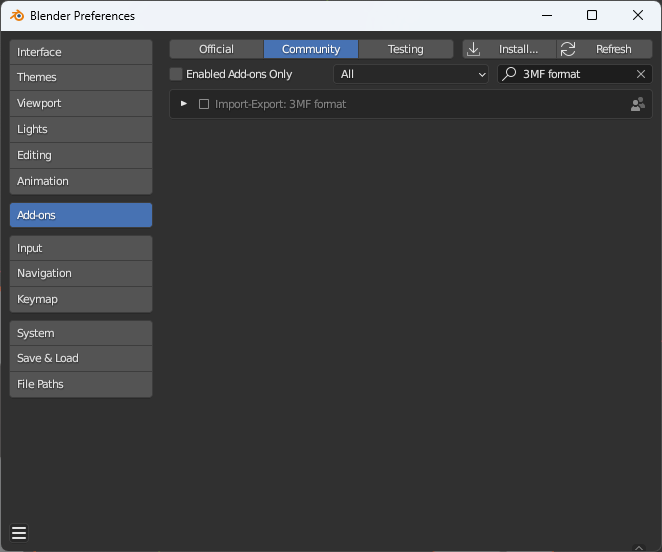
The AI overview for the does blender support 3mf – Google Search indicated that it does via a plugin. The top result was the Ghostkeeper/Blender3mfFormat: Blender add-on to import/export 3MF files. The current release is Release 1.0.2 – Bug Fixes · Ghostkeeper/Blender3mfFormat. These are the steps from the plugin GitHub readme with a slideshow of screenshots of the Blender app:
- Download the latest release from the releases page. This is a .zip archive.
- In Blender, go to Edit -> Preferences and open the Add-ons tab on the left.
- Click on the Install… button at the top. Navigate to the .zip you downloaded.
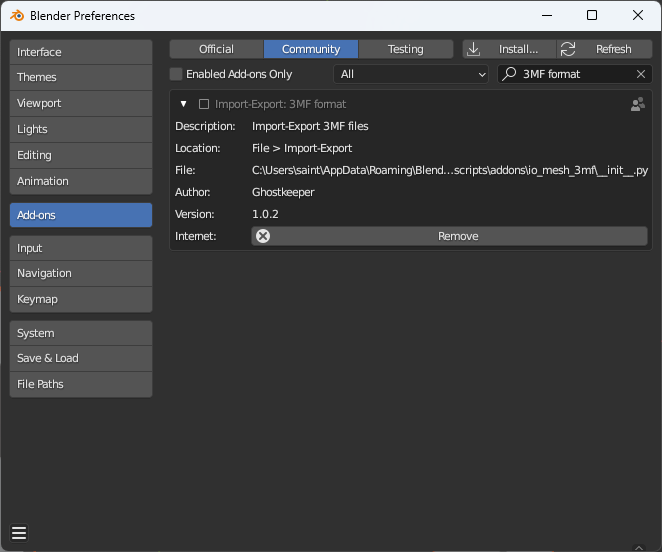
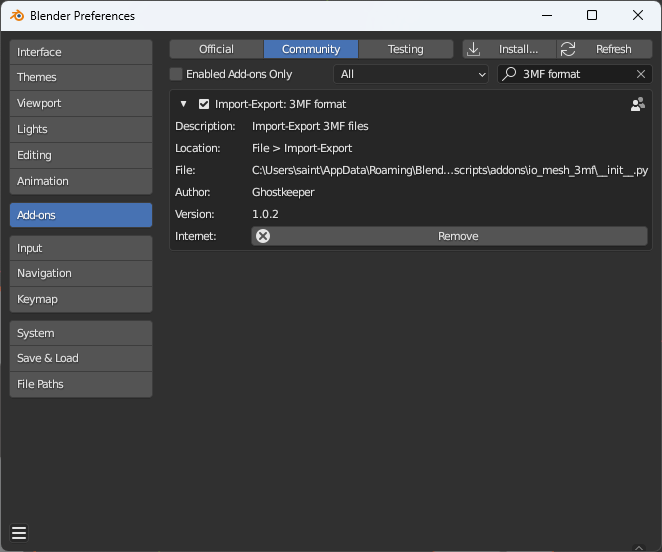
- Under the “Community” category, find the add-on called “Import-Export: 3MF format”. Make sure that it’s enabled. (Note: If searching with the search box, exclude the “Import-Export” text since this is the category, not part of the add-on name. Just search for “3MF” instead.)
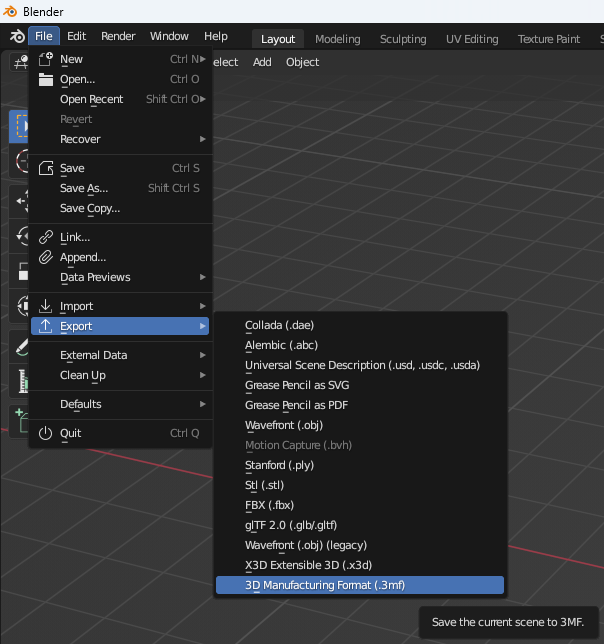
As promised on the plugins page, the export option is now available:
Determining Model Dimensions
Before exporting my blender model, I wanted to understand its real world dimensions. object dimensions blender – Google Search led me to interface – Where can I find the dimensions of an object? – Blender Stack Exchange. Turns out it’s as easy as pressing “N”.
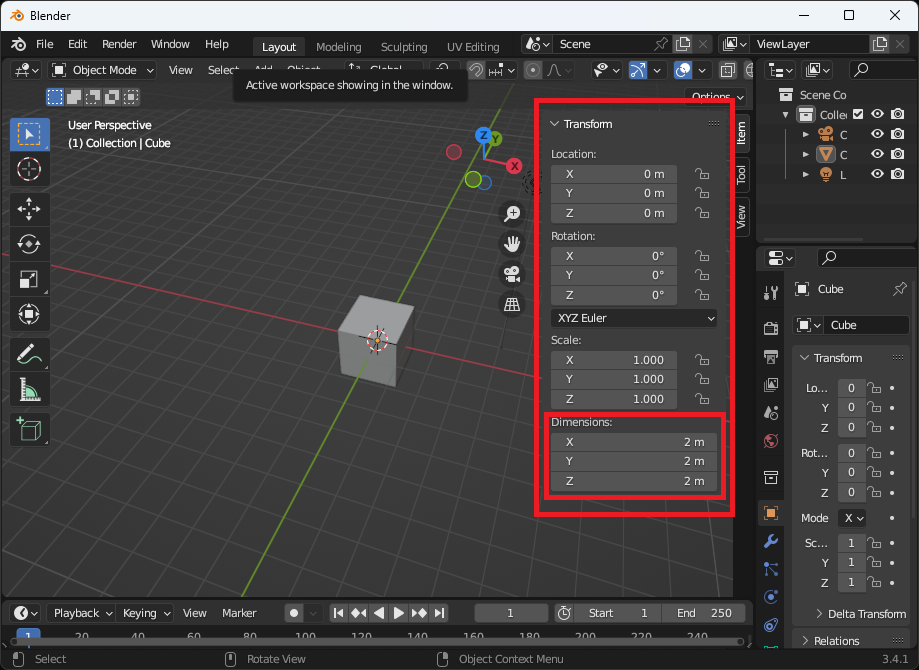
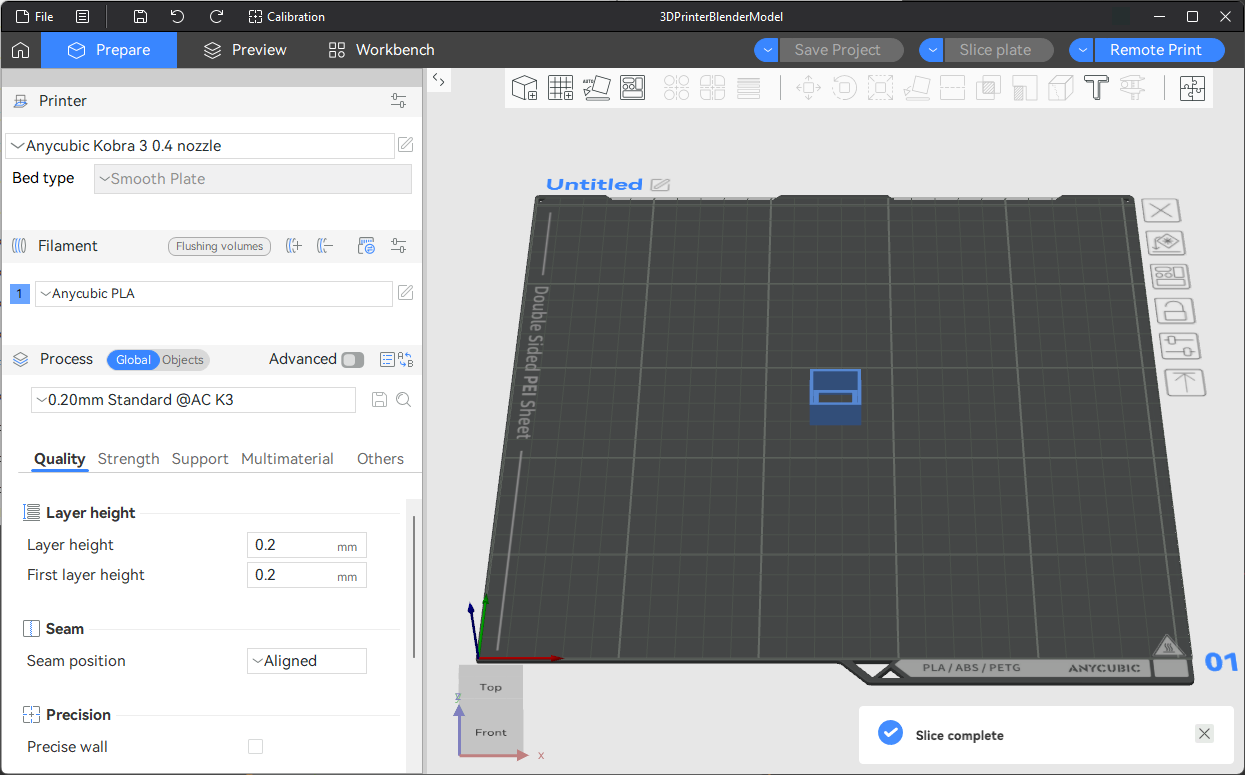
Note that there is a “Scale” option on the export dialog. I just ensured my dimensions were real world dimensions. Here is the simple blender model I made in the Anycubic Slicer Next software. I was able to successfully print it.
Leave a Reply